मुफ्त फोटो से टैटू कन्वर्टर
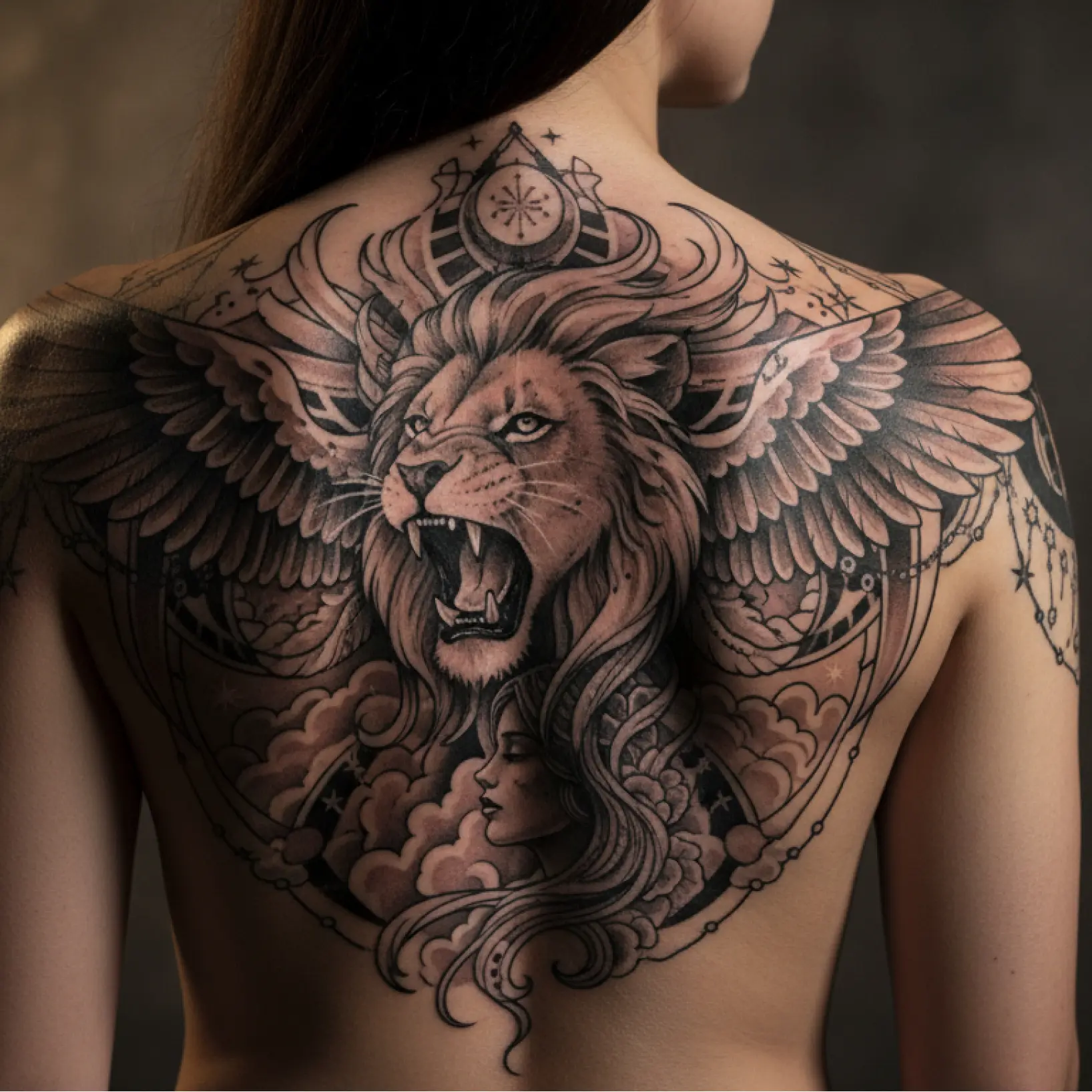
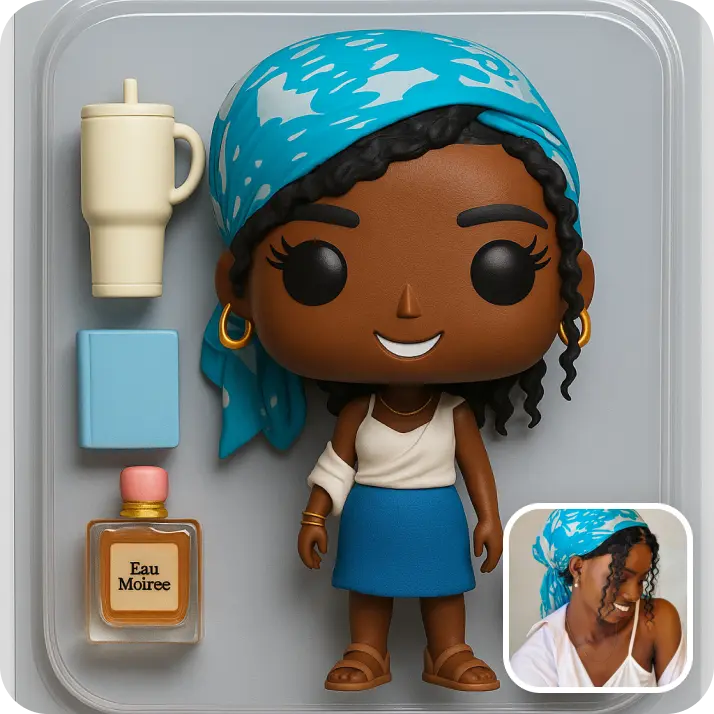
फोटो को सेकंडों में AI से व्यक्तिगत टैटू डिज़ाइन में बदलें। इमेज अपलोड करें और शरीर के किसी भी हिस्से पर कोई भी टैटू आइडिया देखें — 10M+ यूजर्स द्वारा भरोसा किया गया। अभी लिफ्ट फोटो टू टैटू कन्वर्टर आज़माएं!
कैसे काम करता है
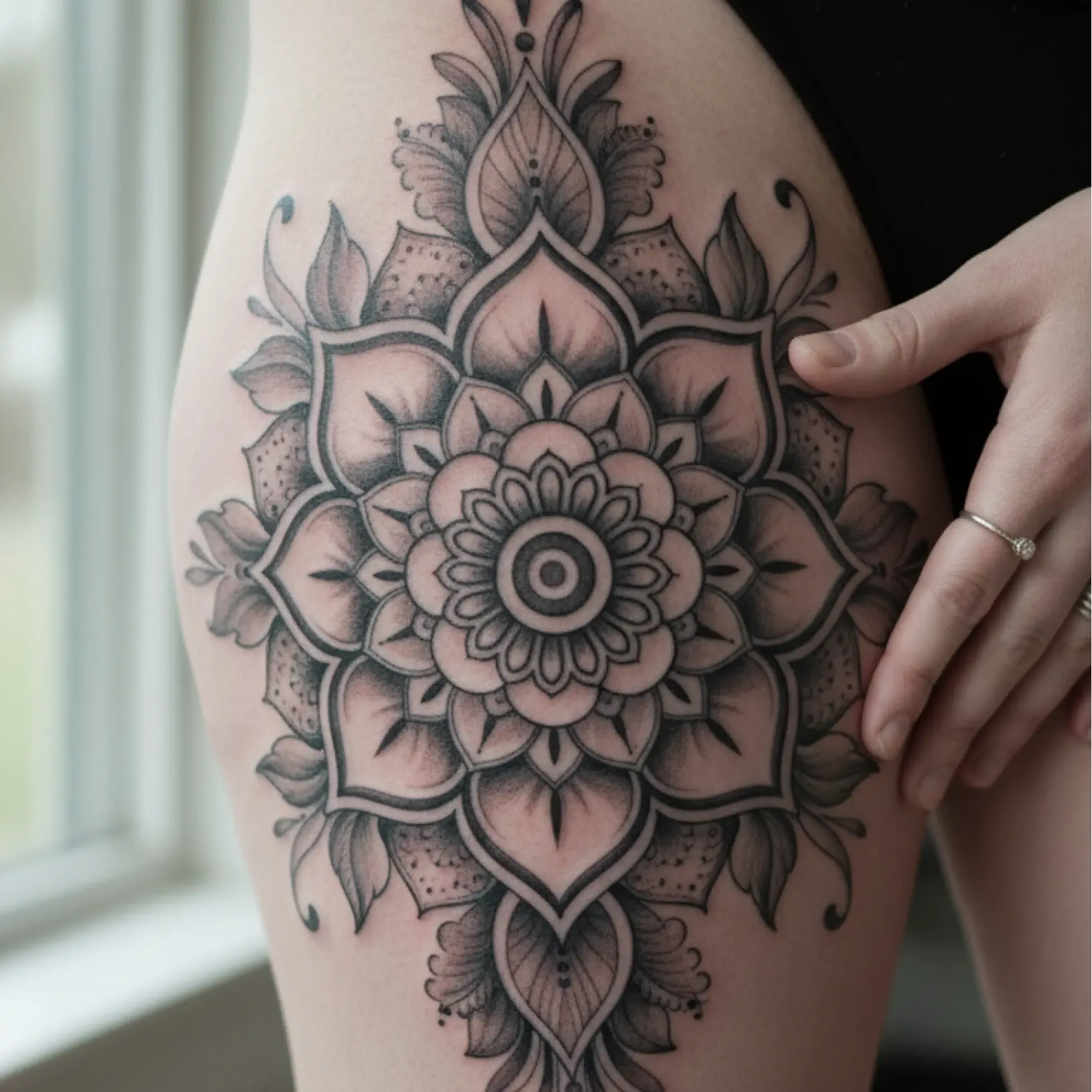
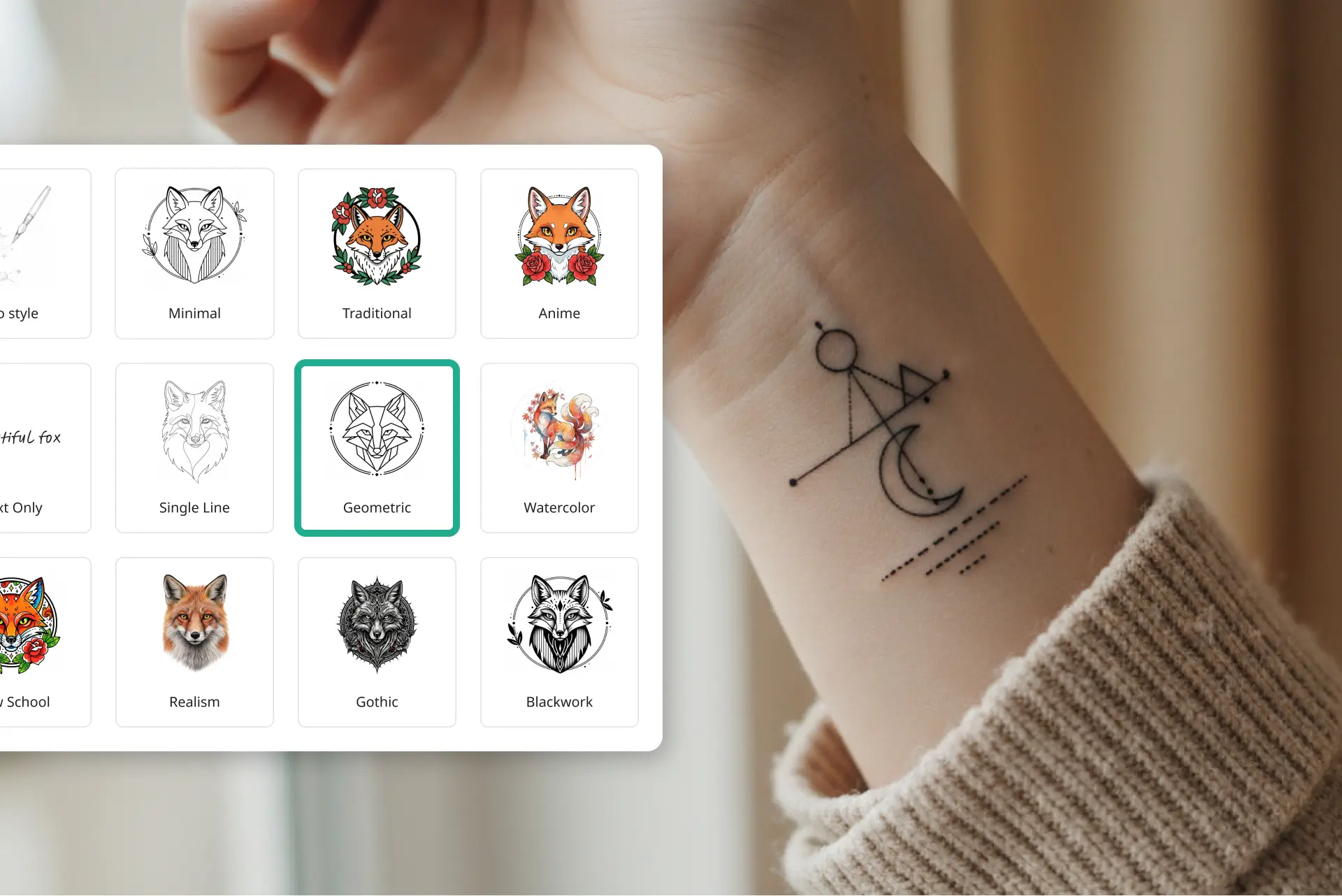
स्टाइल और लोकेशन चुनें
विभिन्न टैटू स्टाइल में से चुनें और शरीर का वह हिस्सा चुनें जहाँ आप टैटू चाहते हैं
अपनी विज़न बताएं
अपना टैटू आइडिया विस्तार से लिखें या सरल रखें — हमारा AI फोटो टू टैटू कन्वर्टर आपकी कॉन्सेप्ट समझता है
रिफरेंस इमेज जोड़ें
इंस्पिरेशन के लिए रिफरेंस फोटो अपलोड करें और हमारा इमेज टू टैटू AI जनरेटर आपकी विज़न को जीवंत करे।
अपना डिज़ाइन डाउनलोड करें
AI से बना टैटू तुरंत पाएं — टैटू आर्टिस्ट को दिखाने या बाद के लिए सेव करने के लिए तैयार

दुनिया भर में लाखों लोगों द्वारा विश्वसनीय
हजारों उपयोगकर्ताओं में शामिल हों जो तेजी से संपादन करते हैं, बेहतर विज़ुअल बनाते हैं, और AI के साथ अपनी सामग्री बढ़ाते हैं
लिफ्ट AI इमेज टू टैटू जनरेटर से कौन फायदा उठा सकता है?
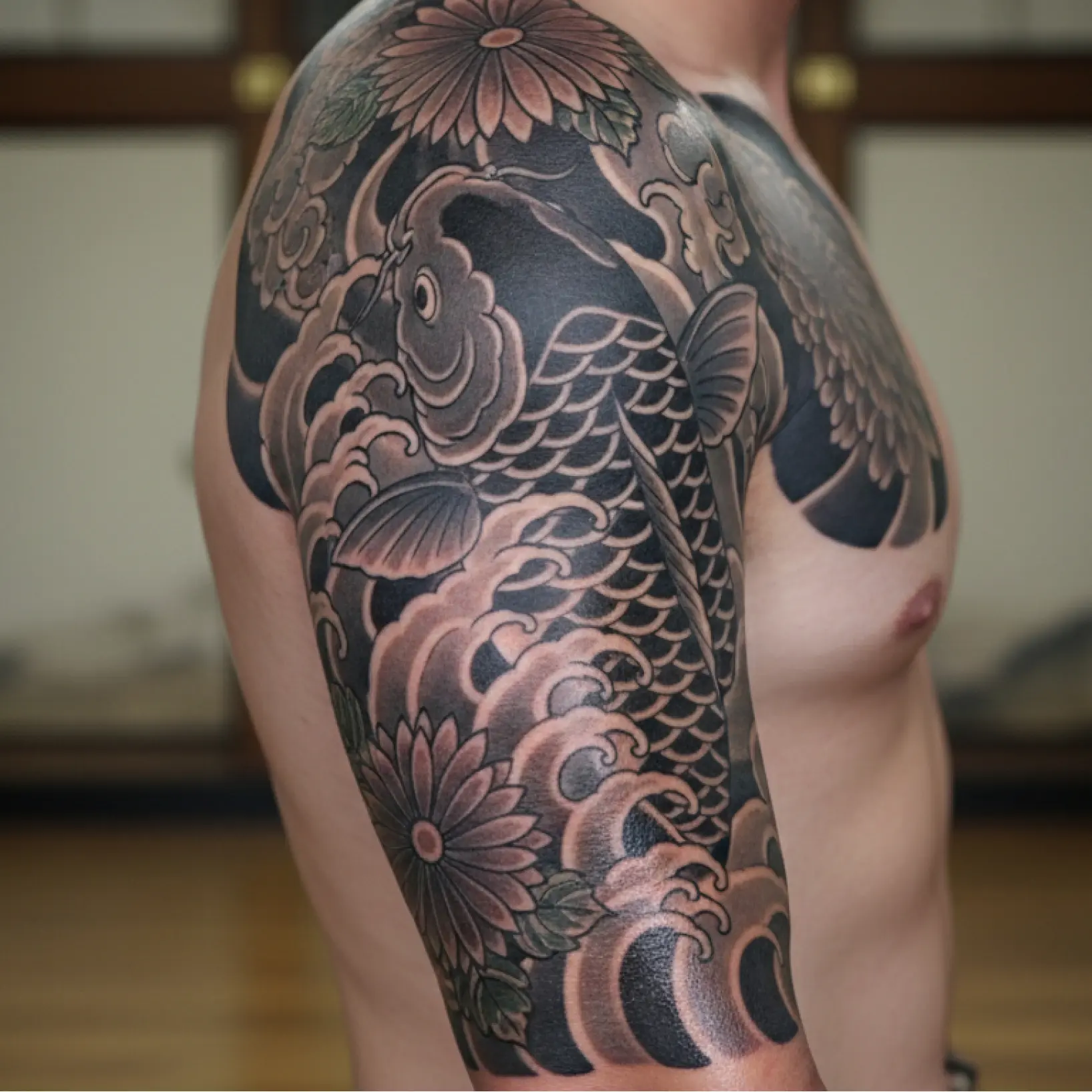
- 🔹
पहली बार टैटू करवाने वालों के लिए AI टैटू जनरेटर — कमिट करने से पहले शरीर की सही जगह पर अपना डिज़ाइन देखें। पछतावा टालें, स्टाइल सुरक्षित तरीके से एक्सप्लोर करें और परफेक्ट AI टैटू आत्मविश्वास से चुनें।
- 🔹
यूनीक पर्सनलाइज़्ड आइडिया के लिए टैटू AI — पुरानी इंस्पिरेशन पर निर्भरता छोड़ें। लिफ्ट डिज़ाइन क्रिएटर की तरह काम करता है जो सेकंडों में ओरिजिनल कॉन्सेप्ट बनाने में मदद करता है।
- 🔹
साफ विज़ुअल रिफरेंस के लिए AI टैटू जनरेटर — आर्टिस्ट को अपनी विज़न समझाना मुश्किल? प्रॉम्प्ट और रिफरेंस फोटो को टैटू जनरेटर की डिटेल्ड इमेज में बदलें।
- 🔹
लोकेशन और स्टाइल ट्राय करने के लिए AI टैटू जनरेटर — बाजू, पीठ या पैर पर क्या बेहतर लगेगा पता नहीं? बेस्ट ऑनलाइन फोटो टू टैटू कन्वर्टर एक्सपीरियंस से तुरंत कई ऑप्शन ट्राय करें।
- 🔹
टाइपोग्राफी और लेटरिंग के लिए मुफ्त AI टैटू जनरेटर — लेटर टैटू जनरेटर से स्क्रिप्ट, मोनोग्राम या टेक्स्ट डिज़ाइन बनाएं, पर्सनलाइज़्ड कॉन्सेप्ट के लिए परफेक्ट।
अक्सर पूछे जाने वाले प्रश्न
लिफ्ट फोटो टू टैटू कन्वर्टर क्या है?
लिफ्ट फोटो टू टैटू कन्वर्टर एक मुफ्त ऑनलाइन टूल है जो किसी भी इमेज को AI से व्यक्तिगत टैटू डिज़ाइन में बदलता है — रिफरेंस फोटो को टैटू टेम्पलेट में बदलने और अपॉइंटमेंट से पहले आइडिया विज़ुअलाइज़ करने के लिए परफेक्ट।
लिफ्ट इमेज टू टैटू कन्वर्टर कैसे काम करता है?
अपना फोटो या रिफरेंस इमेज अपलोड करें, टैटू स्टाइल और बॉडी लोकेशन चुनें और ऑप्शनल अपनी विज़न बताएं। हमारा AI टैटू जनरेटर आपकी इमेज प्रोसेस करता है और फोटो से सेकंडों में यूनीक डिज़ाइन बनाता है।
क्या मैं AI से बने टैटू डिज़ाइन को पर्सनलाइज़ कर सकता हूँ?
बिल्कुल! प्रॉम्प्ट एडजस्ट करके, दूसरी रिफरेंस इमेज अपलोड करके, स्टाइल बदलकर या लोकेशन ट्राय करके कई वेरिएशन बना सकते हैं। AI टैटू क्रिएटर परफेक्ट डिज़ाइन मिलने तक पूरा क्रिएटिव कंट्रोल देता है।
क्या मैं अपने फोटो से टैटू टेम्पलेट या आउटलाइन बना सकता हूँ?
हाँ! लिफ्ट इमेज टू टैटू कन्वर्टर आपके फोटो को साफ आउटलाइन, लाइन ड्रॉइंग और टेम्पलेट में बदल सकता है। इमेज अपलोड करें, लाइन आर्ट या मिनिमल स्टाइल चुनें और हमारी AI आपके फोटो को टैटू आर्टिस्ट के लिए तैयार आउटलाइन में बदल देगी।
क्या मैं फोटो टू टैटू कन्वर्टर मुफ्त इस्तेमाल कर सकता हूँ?
लिफ्ट अनलिमिटेड एक्सपोर्ट के लिए सब्सक्रिप्शन (मासिक या वार्षिक) पर है, लेकिन नए यूजर्स पूरा फ्लो मुफ्त ट्राय कर सकते हैं। ब्राउज़र में प्रीव्यू दिखेगा और हाई रेज़ोल्यूशन फाइल डाउनलोड करने पर ही पेमेंट।
लिफ्ट फोटो टू टैटू कन्वर्टर क्यों अलग है
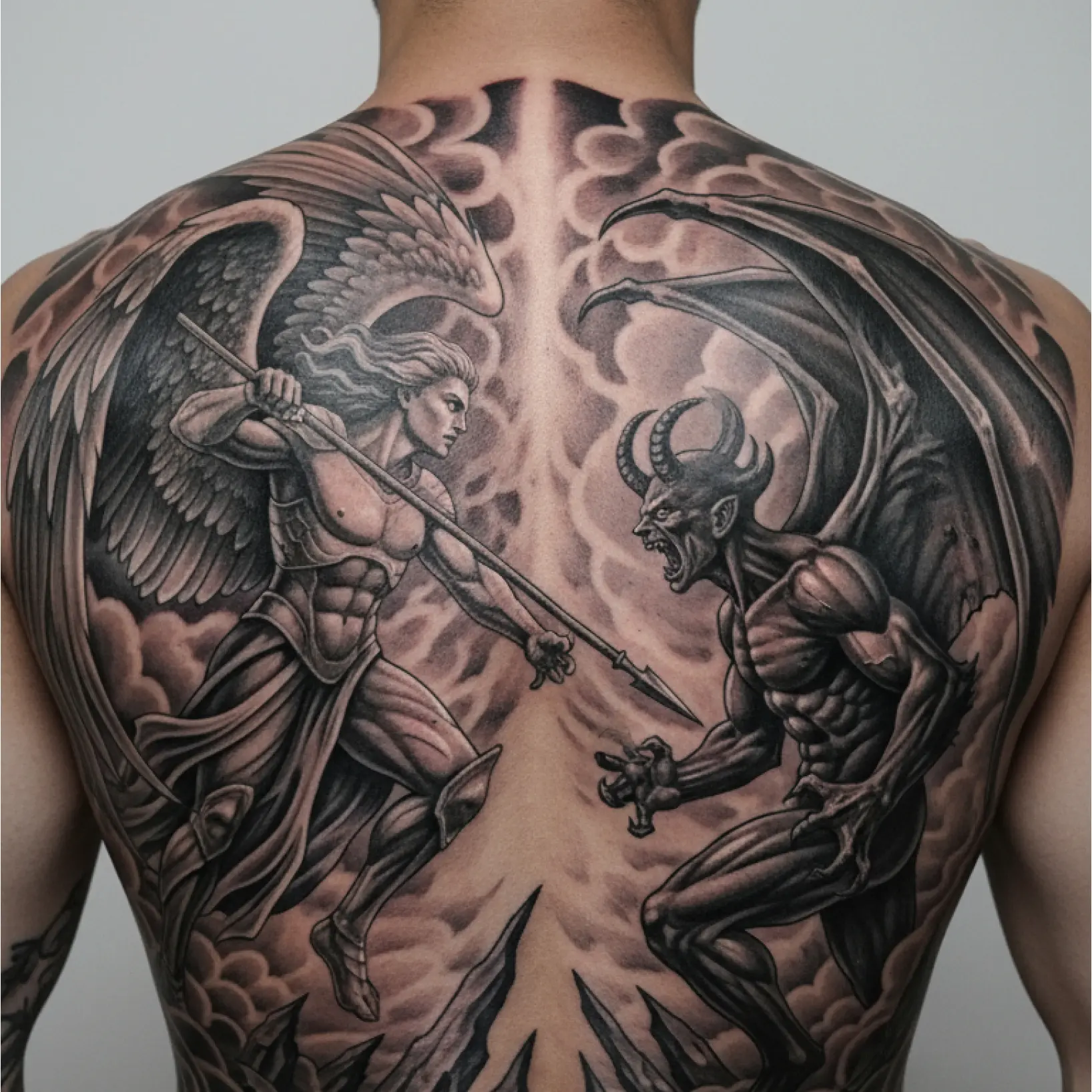
हाई क्वालिटी रिज़ल्ट
AI तकनीक हर बार प्रोफेशनल लेवल विज़ुअल देती है
स्मार्ट रेंडरिंग
AI इफेक्ट को सीन और सब्जेक्ट के हिसाब से ऑप्टिमल रिज़ल्ट के लिए ऐडजस्ट करता है
मल्टी-प्लेटफॉर्म सपोर्ट
सीमलेस एक्सेस के लिए iOS, Android और वेब पर उपलब्ध
किफायती
किफायती और इंट्यूइटिव टूल से महंगे डिज़ाइनर पर खर्च बचाएं